
Multizone | All our technotes
If we've published it, you can find it here.

A Mac laptop equipped with Apple silicon is designed to power on automatically upon opening lid or connecting to a power source. However, for those running macOS Sequoia 15 or later, this behaviour can be modified without compromising the functionality of the keyboard or trackpad to manually power on the device.
TL:DR – Theres a new command to adjust this behaviour by you'll need Sequoia to use it.
- Details
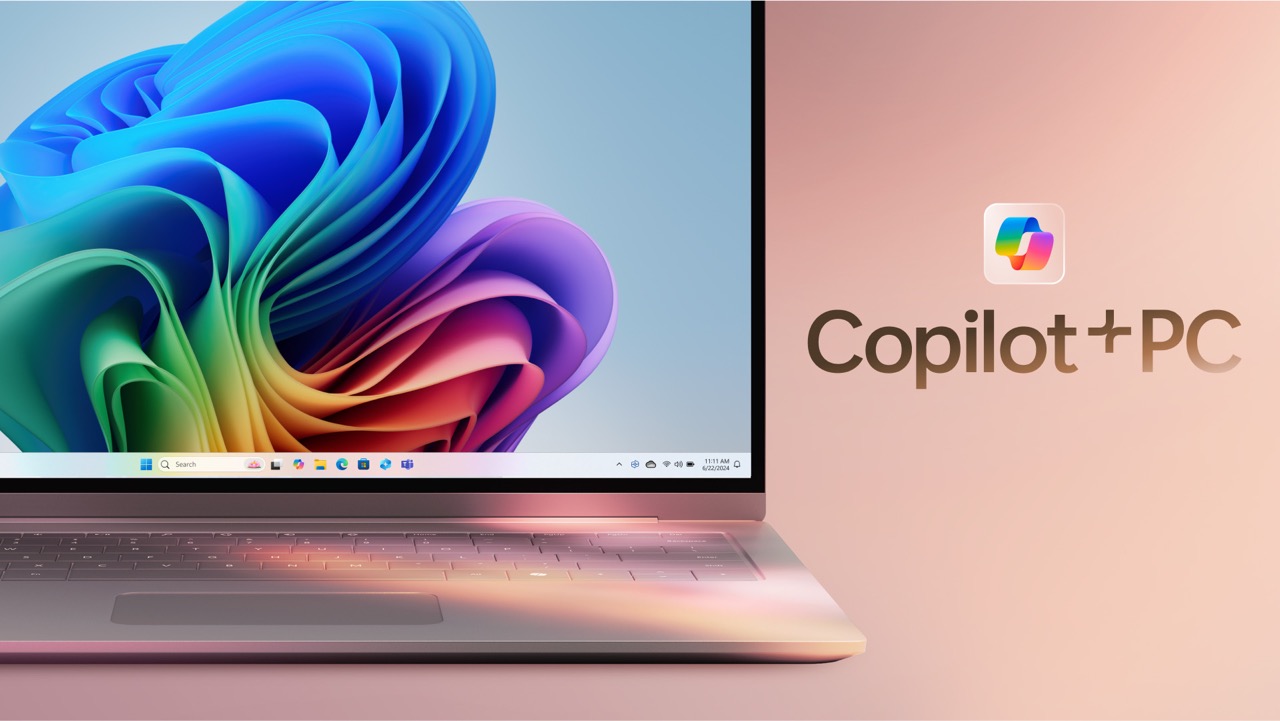
Finding the right PC is an exercise in balancing cost, performance, and longevity which can feel like a daunting task. When you add the new capabilities of a Copilot+ system into the mix, the decision becomes even more nuanced. For those seeking to harness the advantages of AI-driven assistance without overspending, it’s essential to understand what features truly matter.
TL:DR – A friend of mine whos retiring has a state of the art pro level Dell Laptop running Windows 11 Pro and managed by his organisation. He wants a new Windows PC, doesn't have that kind of budget, and wants to buy the best he can to last a long long time. So the question is, should he buy a Copilot+ PC or a slighty older design. I did some comparing to help him and in the end he chose a Dell Inspiron 14 Plus Copilot+ PC 7441 Laptop which has a 14" QHD+ 60Hz 16:10 Touch Display 2560 x 1440, Snapdragon X Plus, Qualcomm Adreno Graphics, 16GB/1TB, Windows 11. This is an amazing spec with a slightly less powerful chip than the pro level XPS. It was £729 on Amazon https://amzn.to/4jYeVb7 which is an absolute bargain for what it is.
- Details

The arrival of Copilot+ systems adds another layer of complexity to the balancing act between cost, performance, and longevity but they aren’t the only option. Budget-friendly Intel-based PCs without Copilot+ offer exceptional value, delivering solid performance without the premium price tag. Some manufacturers are hedging their bets by producing identical form factor Intel based and Snapdragon® based laptoops. Importantly Intel processors mean they can be used for Intel based virtualisation.
The landscape of personal computing is undergoing a significant transformation in 2025, driven by artificial intelligence (AI) and specialised hardware optimised for modern workloads. With the advent of so called AI-powered PCs, consumers now face a new decision: should they opt for a Copilot+ PC equipped with a Snapdragon® processor, or should they stick with an Intel-powered equivalent? This choice is not merely about performance but extends to factors like software compatibility, energy efficiency, and long-term viability.
TL:DR – A friend of mine whos retiring is used to a state of the art pro level Dell Laptop running Windows 11 Pro and managed by his organisation. He wants a new Windows PC, doesn't have that kind of budget, and wants to buy the best he can to last a long long time. So the question is, should he buy a Copilot+ PC with a Snapdragon® X Plus or the Snapdragon® X Elite or an equivalent Intel PC to conserve his funds.
- Details
Read more: To Copilot+ PC or not to Copilot+ PC, that is the question

Artificial Intelligence (AI) has been perceived as an exclusive domain dominated by a handful of tech bro led companies in silicon valley. The narrative of high costs and technical barriers has painted AI as inaccessible to smaller players, creating a seemingly impenetrable market. However, the emergence of low-cost Large Language Models (LLMs) is rewriting the rules of engagement. These models are removing the hype, leveling the playing field and introducing disruption across industries. This is personified by the shaken markets with the emegence of DeepSeek in January 2025. It is time to redefine what it means to innovate with AI.
TL:DR – The man behind the curtain was famously the seemingly powerful Wizard of Oz who turns out to just be a man with a machine. Turns out that AI, while important, has delusions of grandeur just like the Wizard.
- Details

The Windows 11 24H2 update focuses on connectivity, introducing Wi-Fi 7 for faster and more reliable networking. Microsoft state that productivity also gets a boost with streamlined quick settings, while advanced assistive hearing support enhances accessibility. Energy-saving improvements extend battery life and lowers energy consumption which must be a good thing and certainly is welcome in the face of competiton from lower energy consumption computers with greater performance from Apple. A key highlight is a set of tailored features for the next wave of Copilot+ PCs. These AI-driven devices deliver remarkable speed and intelligence, Microsoft say, redefining personal computing for those ready to lead the technological charge. Security has been bolstered, offering a safer, more dependable experience—shaped, Microsoft say, as they always do, by user feedback to meet evolving needs.
TL:DR – This update promises a lot. Lets dive in and install it and see what's changed. To lead the charge you'll need a new Copilot+ PC, with a top end neural processing unit (NPU) for most of the features, and a Microsoft 365 subscription, But one key feature works well on my old Dell and is very nice indeed and there are lots of little detailed improvements which are welcome.
- Details
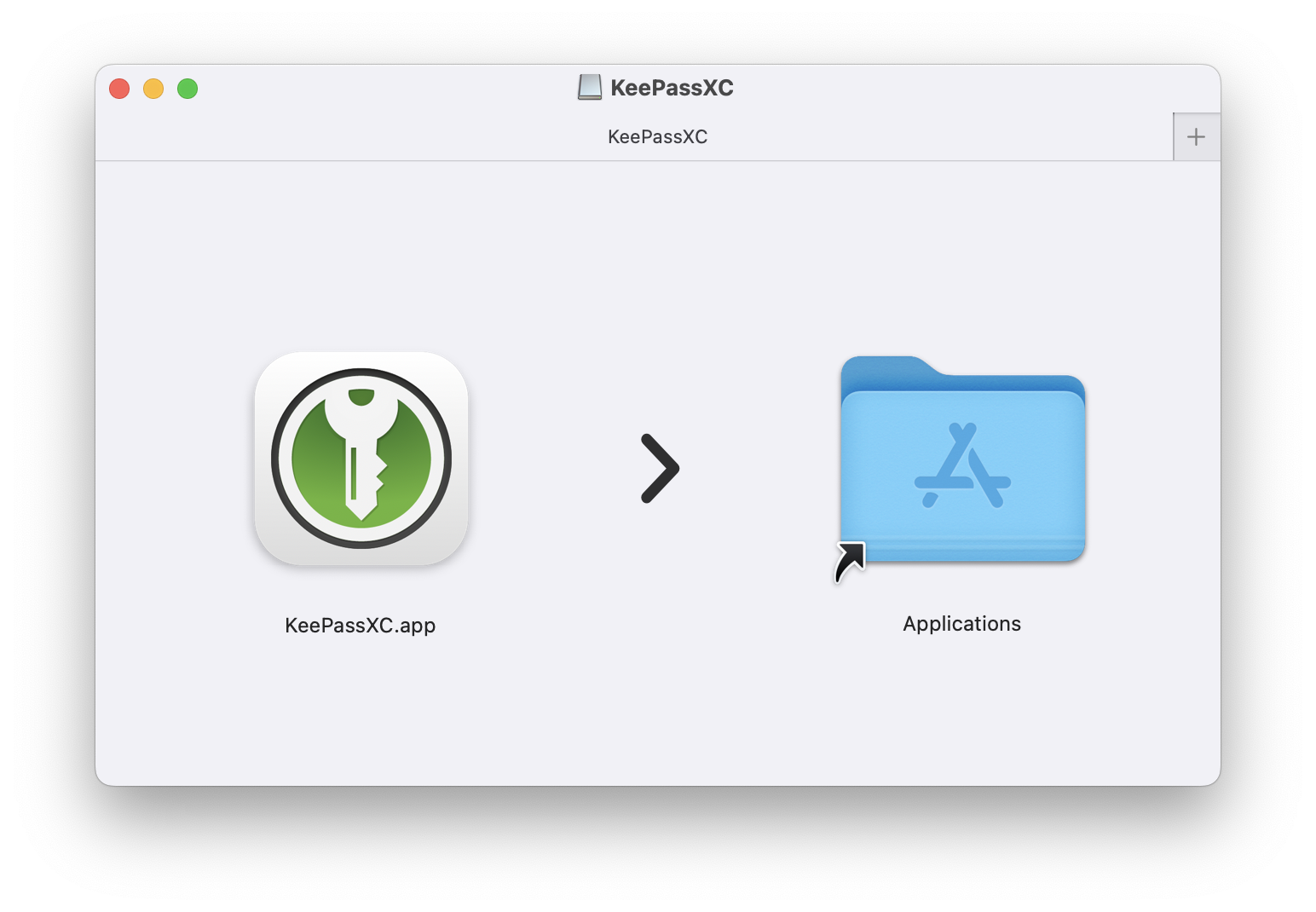
In the twenties we are in a completely digital age where cybersecurity threats proliferate, which means that managing passwords securely has become essential. KeePassXC offers a robust solution, combining cross-platform support with the reliability of open-source development. As an adaptable password manager, it provides a safe, user-friendly environment to safeguard sensitive credentials.
KeePassXC is a modern, secure, and open-source password manager that stores and manages your most sensitive information. You can run KeePassXC on Windows, macOS, and Linux systems.
TL:DR – There are a number of password managers out there that support the open 'kbdx' database format for storing passwords securely. KeePassXC has a clean design, is cross platform, open source, secure and free. Whats not to like?
- Details
Read more: A password manager for Windows, macOS, and Linux - KeePassXC
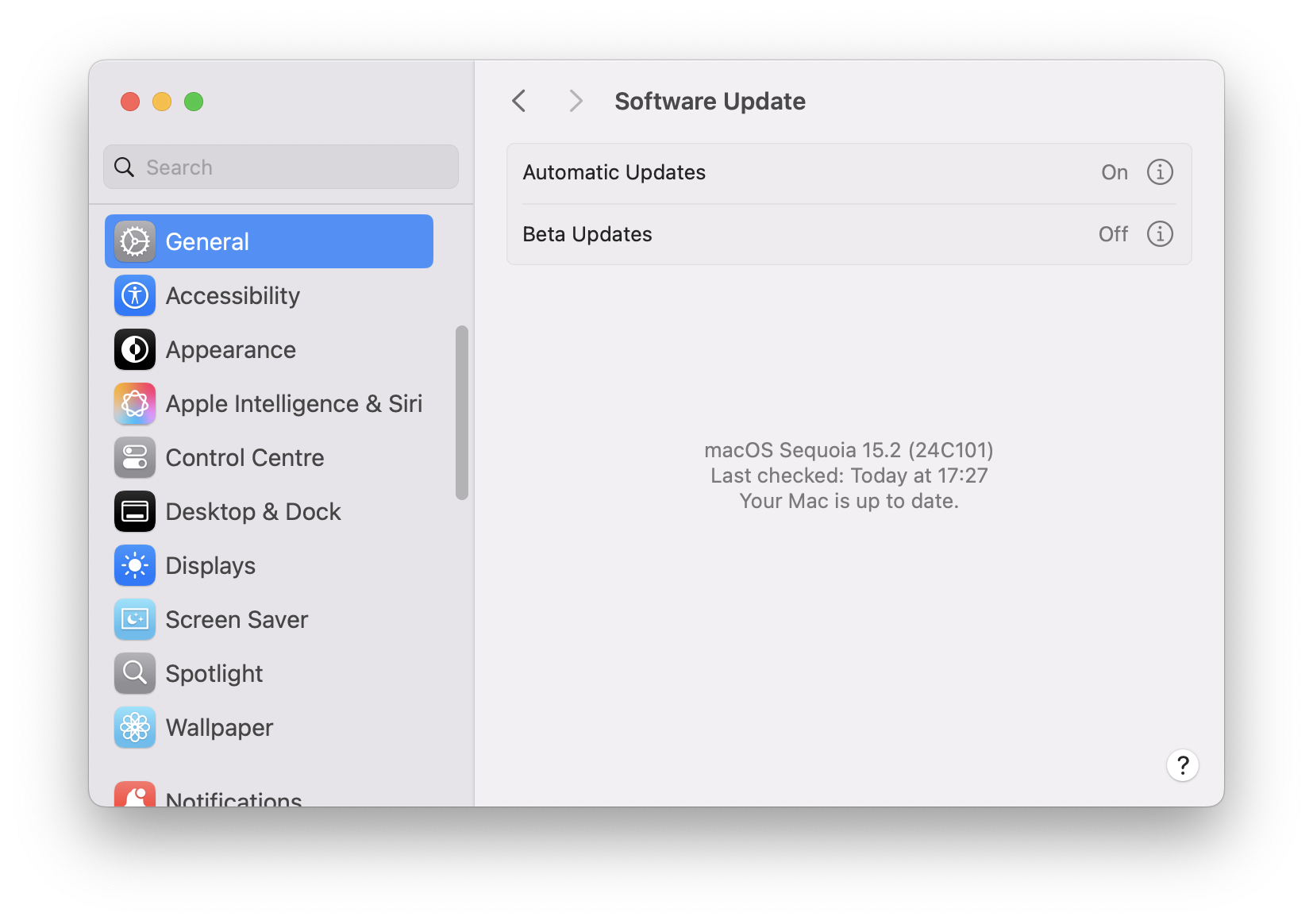
Keeping macOS up to date is crucial for maintaining security, performance, and compatibility. Regular updates address vulnerabilities, improve system stability, and provide access to new features. Failing to update exposes devices to cyber threats, software incompatibilities, and potential loss of support for older versions. Preparing for updates involves backing up data, ensuring compatibility, and managing storage. Users can enable automatic updates for convenience or manually check for updates in System Settings. Updates also enhance privacy, introduce accessibility improvements, and are essential for enterprise environments. Staying proactive with updates ensures a secure and efficient Mac experience.
TL:DR – Keeping macOS up to date is a vital aspect of device maintenance. Ignoring updates just makes for pain in the longer term. Using tools like the excellent SilentKnight can help you diagnose the trickiest update issues.
- Details
