

Keys are simple to understand. We all have them, you can't open a door without one. Mostly they are made of metal and fit in a lock. People have been using keys for hundreds of years. Passwords and password security not so much. People are just bad at passwords. User access control policies are unwieldy and irritating and yet people get around them. I remember the induction to a well-known telecommunictions companies system where the trainer said:
"You have to change your password every three months, you can't re-use them again and they have to have a capital letter and a number, so just use something simple like the month and year and you'll always remember it, for example "May2024".
I like to think most of those employees passwords still use this easy to remember method, blissfully unaware that it renders the password itself almost completely useless.
So, what to do? You need passwords for now, they are still used in the vast majority of systems. But adding two-factor authentication with a security key as the second factor in addition to your password means there is a 0% possibility of a password attack or stolen or compromised password. That reassuring number has got to be worth a little admin and the small investment in a physical key!
And write a policy. It doesn't have to be back breakingly hard to understand and just needs to state what you can and cannot allow.
TL:DR – The benefits outweigh the costs by so much that it is hard to understand why businesses don't or won't use security keys in addition to passwords as a user access control. They massively improve user access control, and enable a business to be able to sail through the User access control section of Cyber Essentials certification here in the UK.
Contents
- Access Control Policy
- Why have an access control policy?
- Password-based authentication
- The password section of my access control policy
- Two-factor authentication (2FA)
- The authentication section of my access control policy
- Open Source Password managers
- KeePass – for Windows
- KeeWeb – for macOS and web
- Authentication using a security key
- Titan Security Key
- YubiKey
- Example of security key use with Facebook
Access Control Policy
Why have an access control policy?
An access control policy is to ensure the correct access to the correct information and resources by the correct people. Passwords and security keys are just one part of such a policy. You'd also expect to have written down rules for authentication, role based access, access rights review, administrator accounts and privilege accounts, provisioning (creation, modification and deletion) of user accounts, remote access, and monitoring and reporting. You ought to have one if you are in business. But having a policy is meaningless, and won't help you get certified unless you review access controls for compliance with it and keep logs of this activity periodically too.
Password-based authentication
Passwords remain important even though security keys make them more secure. Password policies seek to ensure good behaviour when using and managing passwords, and that they are held securely. Using a password manager is crucial these days especially where multiple devices are used. Password managers make it easy to have unique passwords for different accounts or services which is a critical piece of the puzzle in keeping systems and user accounts secure. We do not specify the password manager to be used in our policy, since it depends on the operating system, and the device and the account type.
The password section of my access control policy
Access to systems and information is authenticated by passwords.
- All user accounts must be require the user to authenticate using a password.
- Initial passwords provided to users must be changed on first use.
- Vendor supplied and default passwords are changed immediately upon installation.
- The same password is not to be used for more than one system.
- Passwords are not generic, shared or set at a group level.
- Passwords are to be kept confidential in a secure password manager and not written down.
- The password to the secure passord manager is to be kept in a secure location for emergency use.
- Passwords are not displayed when entered.
- Passwords are not coded or included in any scripts or code or macros.
- Passwords are encrypted when transmitted over networks.
- Systems lock out users after a number of failed access attempts.
- Passwords have a minimum length and format of 9 characters, at least one special character, one number and a mix of alphanumeric characters.
- System sessions that are idle for 15 minutes require passwords to be entered to regain access.
- Where possible, password reuse is prevented by software policies, otherwise end users have the responsibility to avoid password reuse.
- Passwords are changed every 90 days.
Two-factor authentication (2FA)
(2FA) is a security process that requires two different forms of identification to verify a user's identity. It's designed to add an extra layer of protection beyond just a username and password. The two factors typically include:
- Something you know: A password or PIN.
- Something you have: A physical device like a smartphone, security key, or a biometric like a fingerprint or facial recognition.
By combining these two factors, 2FA makes it significantly harder for unauthorised users to gain access to an account, even if they have the password.
The authentication section of my access control policy
Access to systems and information is authorised by a second factor of authentication.
Acceptable second factors include:
- Fingerprint, Face or PIN via an Apple device running the standard latest version of its operating system.
- Fingerptint, Face or PIN via an Android device running the standard latest version of its operating system.
- Google Titan Security Key.
- Yubico YubiKey Security Key.
- Text message is not recommended as a 2FA method and should only be used if no better 2FA method is available.
Exceptions to this requirement for 2FA are to be approved in writing.
Open Source Password managers
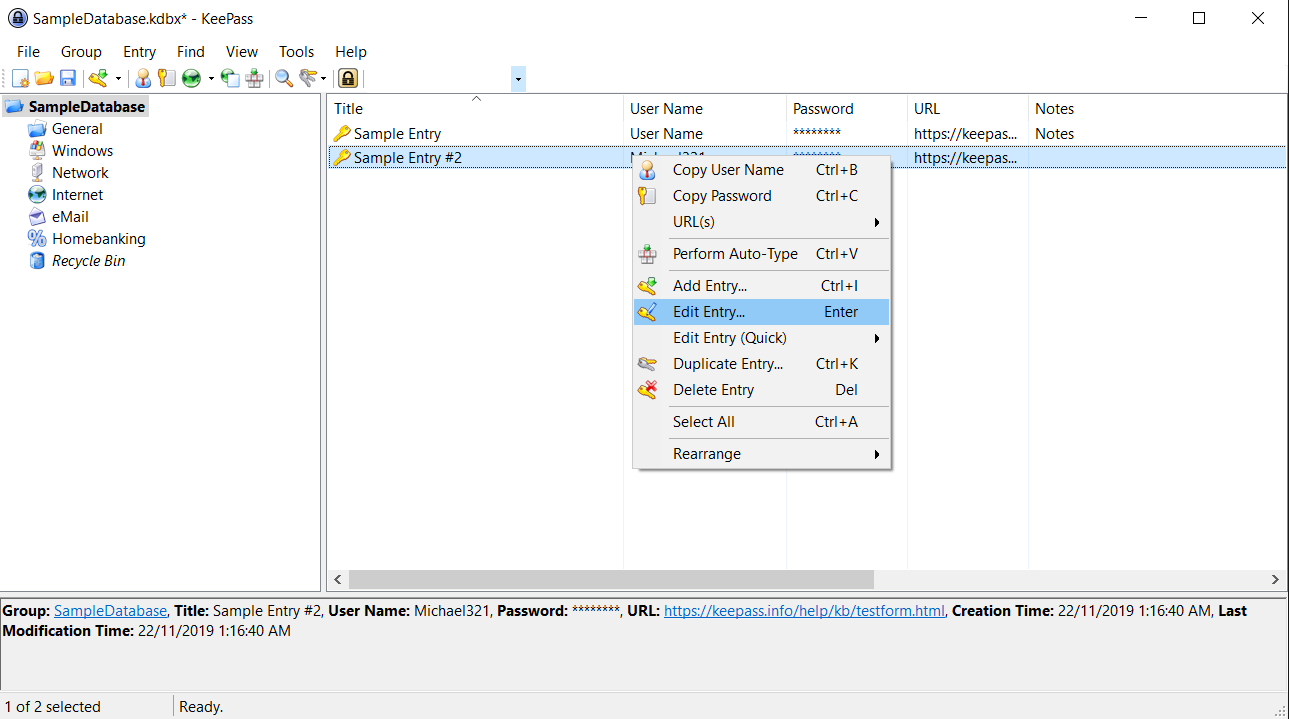
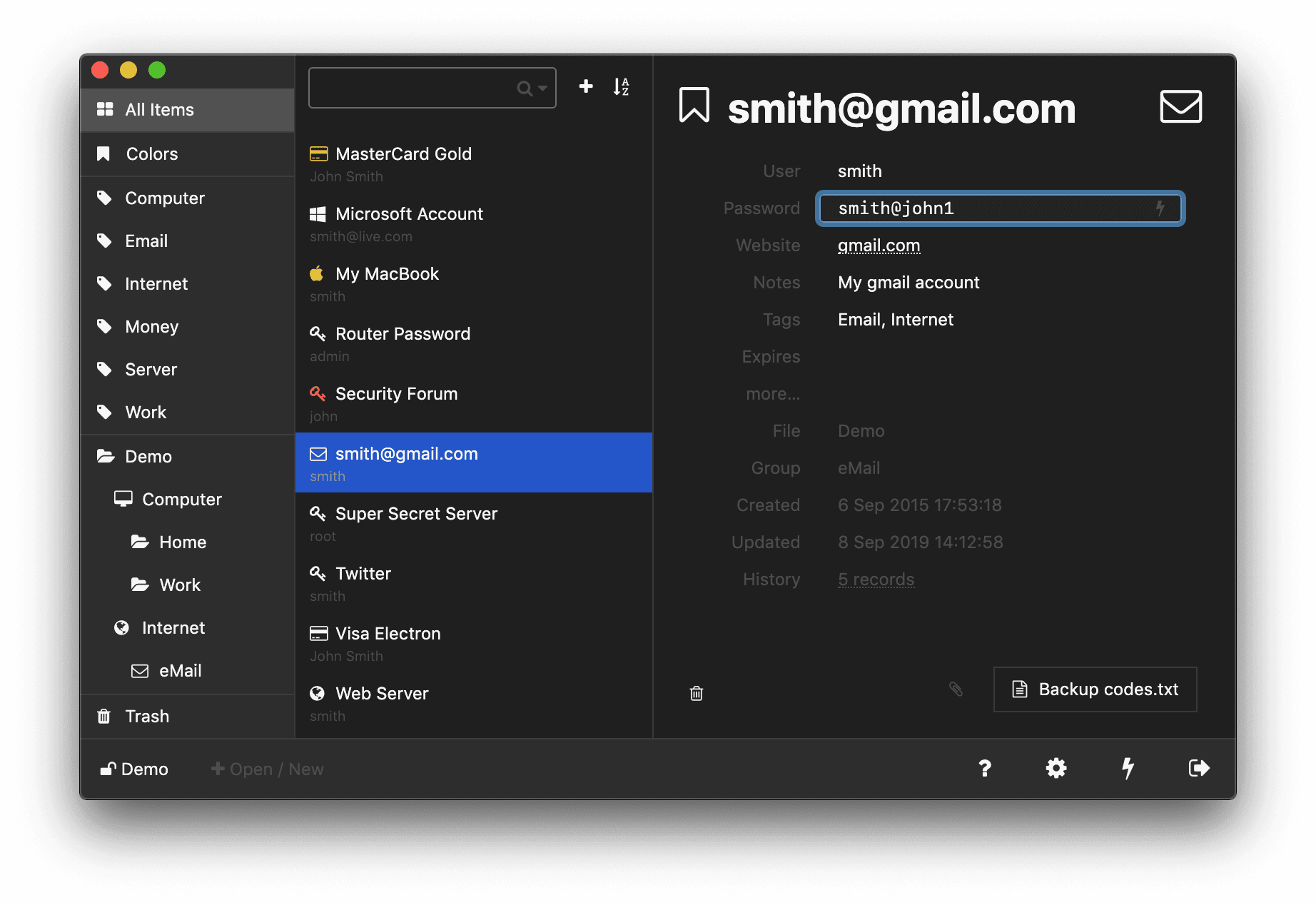
We tend to use the inbuilt password functionality in mobile devices, and recommend keepass for Windows only workloads, and keeweb for macOS, linux and web based access. Both these products are open source, completely free and easy to use.
KeePass – for Windows
KeeWeb – for macOS and web
Authentication using a security key
A security key is a security token, typically a physical USB hardware device, which provides a more secure form of multi-factor authentication than, say a phone number (which can be hijacked or subject to SIM swap). Becuse it is a physical device you need to be in possession of it to authenticate. They have often been used by individuals considered to be at a high risk of being targets for hacking, but really are usable by anyone, and cheap to buy and reasonably easy to maintain.
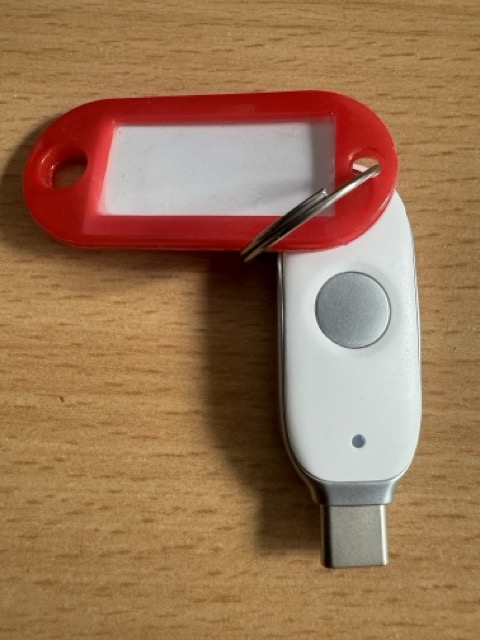
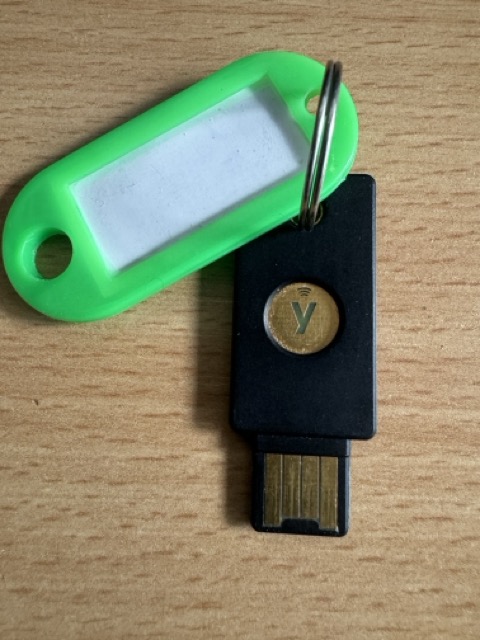
You can buy a Titan Security Key direct from Google (£30), and YubiKey from Amazon (£39.69) both support open standards and can be used with many apps and services.
Titan Security Key
YubiKey
Because you need to have physical access to the key to authenticate, there is 0% possibility of a password based hack succeeding against an account secured with a security key.
Example of security key use with Facebook
Security keys are for all kinds of applications, in all kinds of settings, and especially useful for those where your most personal information might be being shared. You can use the same security key with multiple applications, keep it in a secure place like a keysafe and you have absolute certainty that your account can only be accessed with it.
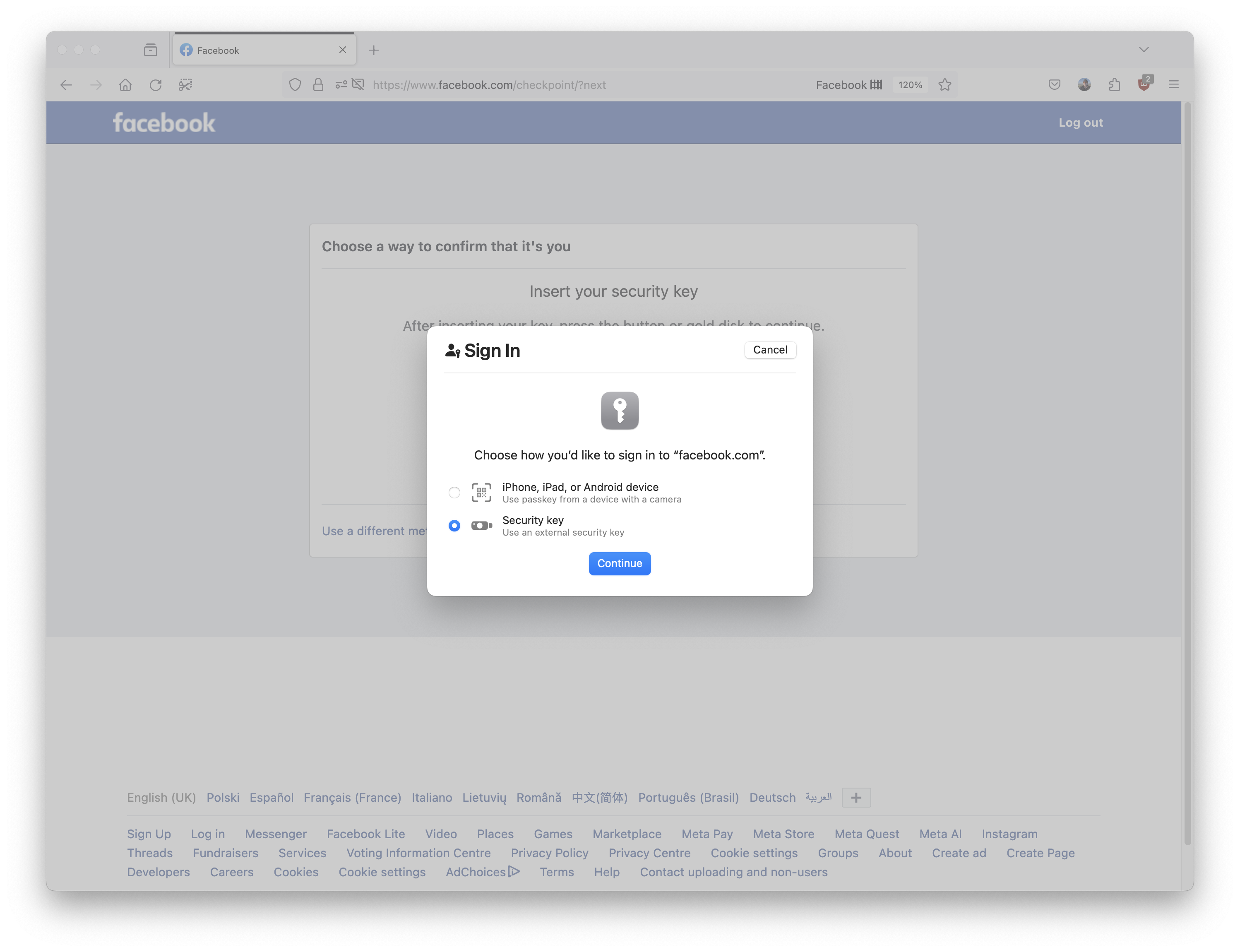
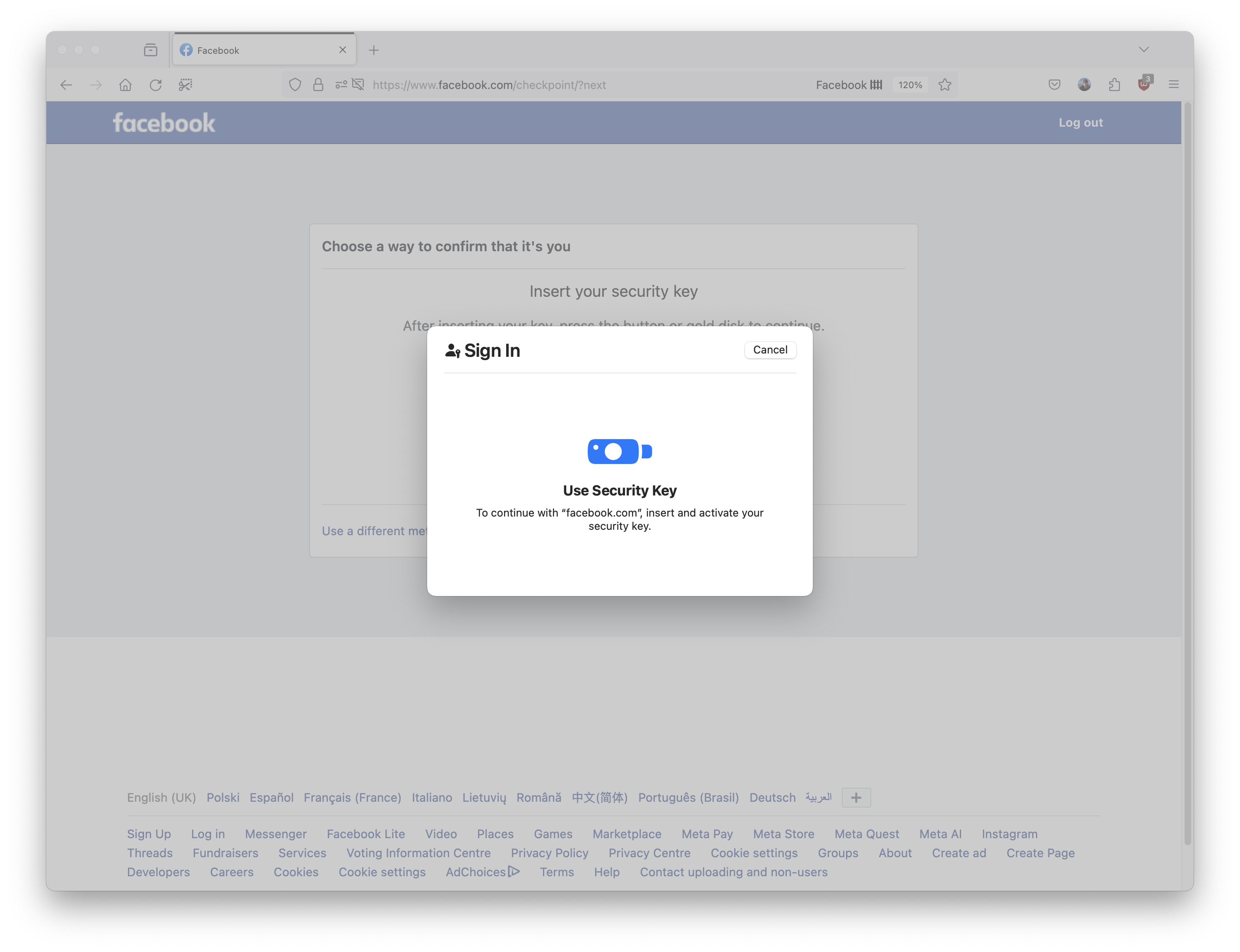
Press continue then Insert the security key
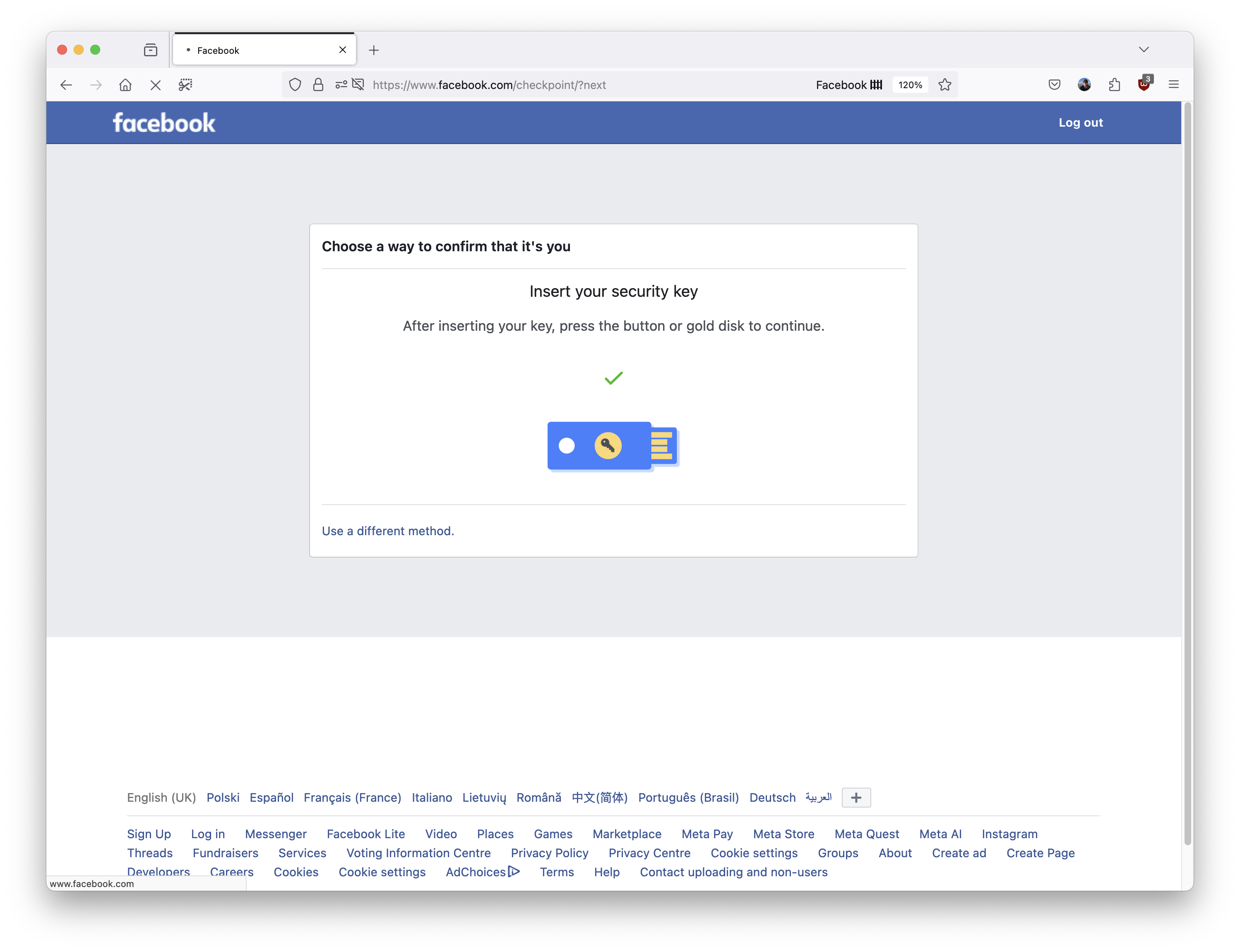
The benefits of strong account security far outweigh the small amount of admin and the purchase cost of the security key.
